
- Log into https://billingcenter.voicelogix.com.
- Click on “Profile”

- Click “Payment Information”
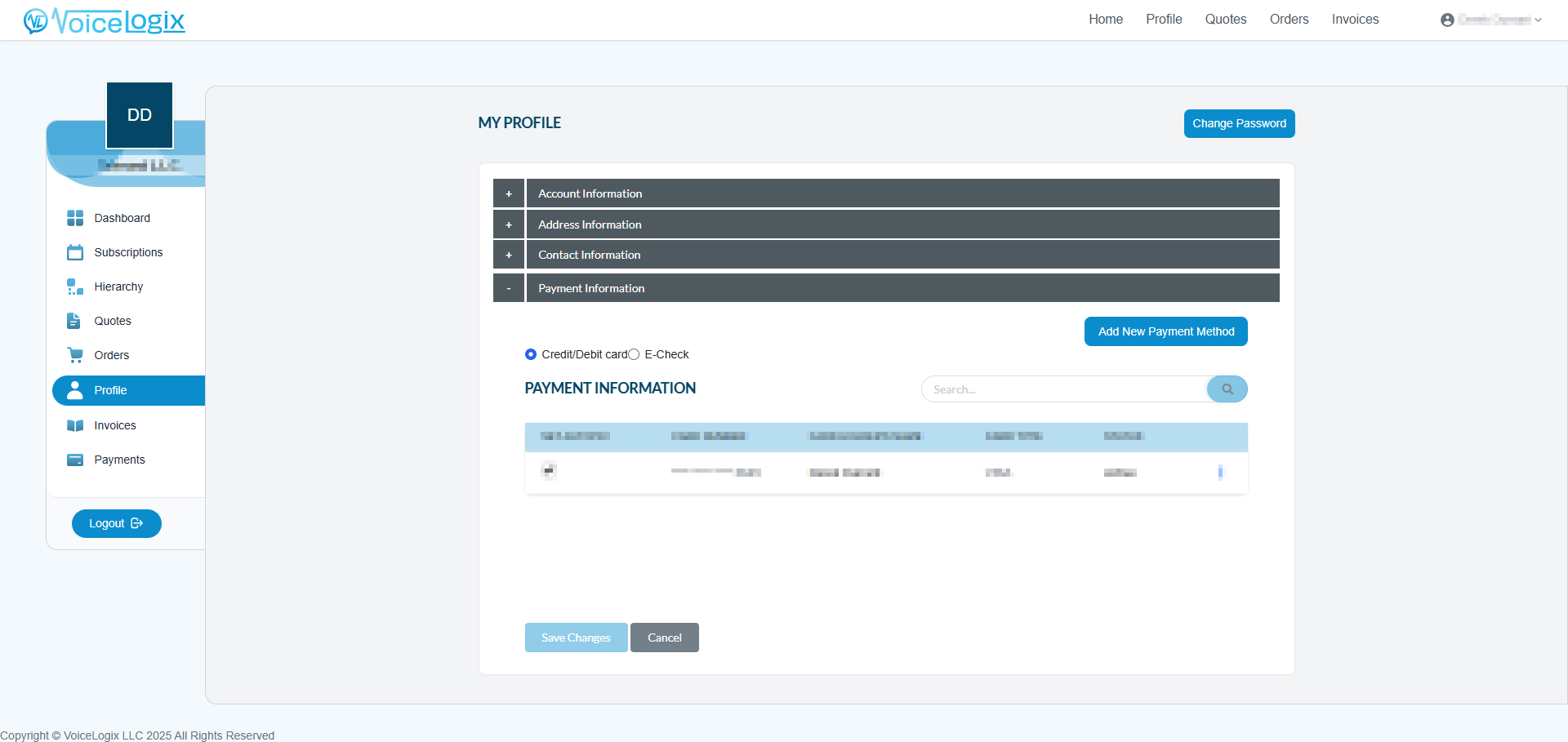
- Click “Add New Payment Method” and enter in your card or check information in the pop up that appears. Once completed click “Save Changes”

- Once added it will show up under your “Payment Information” in the profile tab. To set it for auto-pay check the box next to your payment method under “SET AUTOPAY” and click “Save Changes”.

Auto-Pay Enrollment
Updated on April 11, 2025
Need Support?Contact Support